Abyss Of Neptune
DEV DIARY
Week 2
Worked on some cool highlight effect for the interactable objects to make our divers life easier.
The intended work for highlight effect was updated since the last update to fit the environment better and spare a keypress. The current version of the highlight effect indicates all the interactable objects when nearby.
By using a post-process material that gives a pulsating/highlight effect to gameplay asset when in close proximity to the camera/player I was able to keep the implementation easy as it does not require an additional material slot or a subroutine to be added in order to work. All it needs is permission to "Render in Custom Depth Pass" allowing it the ability to start highlighting when the player is nearby.
The project has been going well and we are looking at final drafting for the level this week. We have plans to start cluttering the level with meaningful assets and giving every area it's intended look during the coming weeks. Meanwhile, more features are added but mostly the existing mechanics are worked on and being polished.

Object being highlighted through counter
Week 3
This week was a little more tweaking on the focus ability, I made an update to the feature that allows us to have a different color of highlight to differentiate the type of object. I did this using the stencil feature of UE4. We also did some research and found that it can help us make it more approachable to color blind people. I started working on props and texturing for the next sprint which will be a huge update on the environment and more explorable areas.
This marks the ending of our current sprint and we will release a feature build to the community through discord https://discord.gg/eUbfhbpEce

Left: Interactable
Right:PickableItem
Week 4

Let's talk about bugs!!!
Yes, So turn out using post-process let you see through the wall which is what exactly I showcased in week 2, but now when it is a see-through wall it started causing a distraction to the playtester and after trying to change multiple settings I decided to implement a solution that sets the property of all items except those in the room player is to disable depth pass render. The implementation still needs to be done, so to be continued...
Now for this week, I worked on texturing the battery props, and since it is a gameplay element that is supposed to have a different voltage label for all instances. I also made a system, that let me change the voltage count without having to use a lot of texture. Currently, I am using just one texture(in addition to battery texture) to make 12 variations of voltage inside the game. Also started working on concepting the control panel model.
We seem to have a good velocity and we are running into problems early and solving them fast. We are already talking about the playtester's feedback and taking the best ones to modify the game to make it more fun.
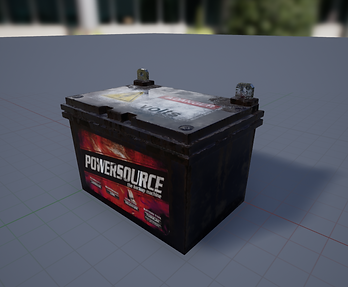
Battery in Unreal Editor
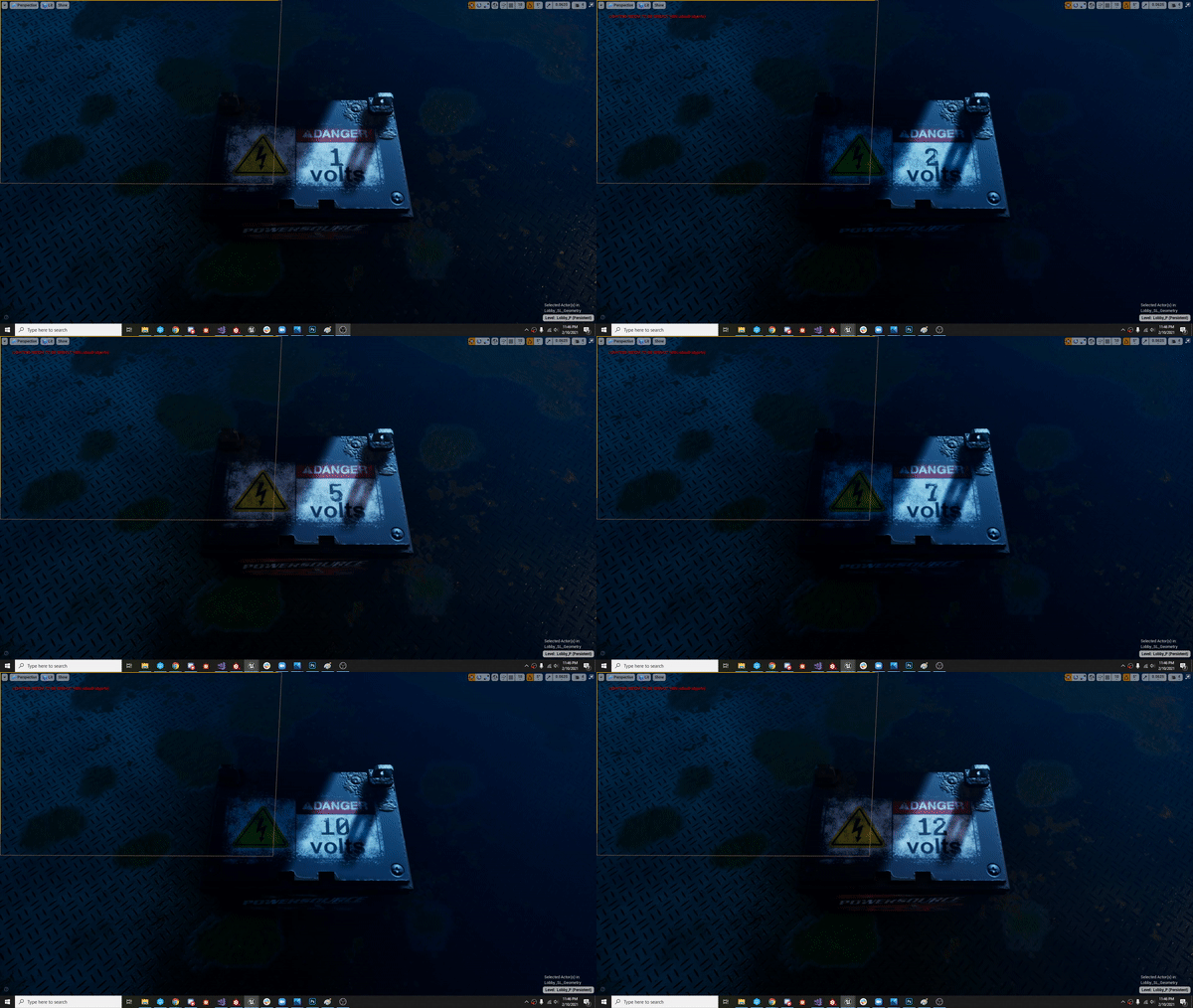
A glimpse of how the Voltage system work in the engine
Week 5
This week was a huge visualizing and adding some concepts and a little bit of finished product in-game. I sat down and went over some ideas with the designer. I was able to flesh out a concept for concept art for the control panel that will handle the powering of all the doors on the level. I was also able to sit down and have a base layout for texture creation that we will start working on during the next sprint. Along with this I also added an Intro UI for the tutorial level that we are making available for the public this week.
It looks like we are doing great when it comes to adding features and content. We are also actively tackling any bugs and feedbacks is worked on as well. There are plenty of interesting things that are on our future tasklist.
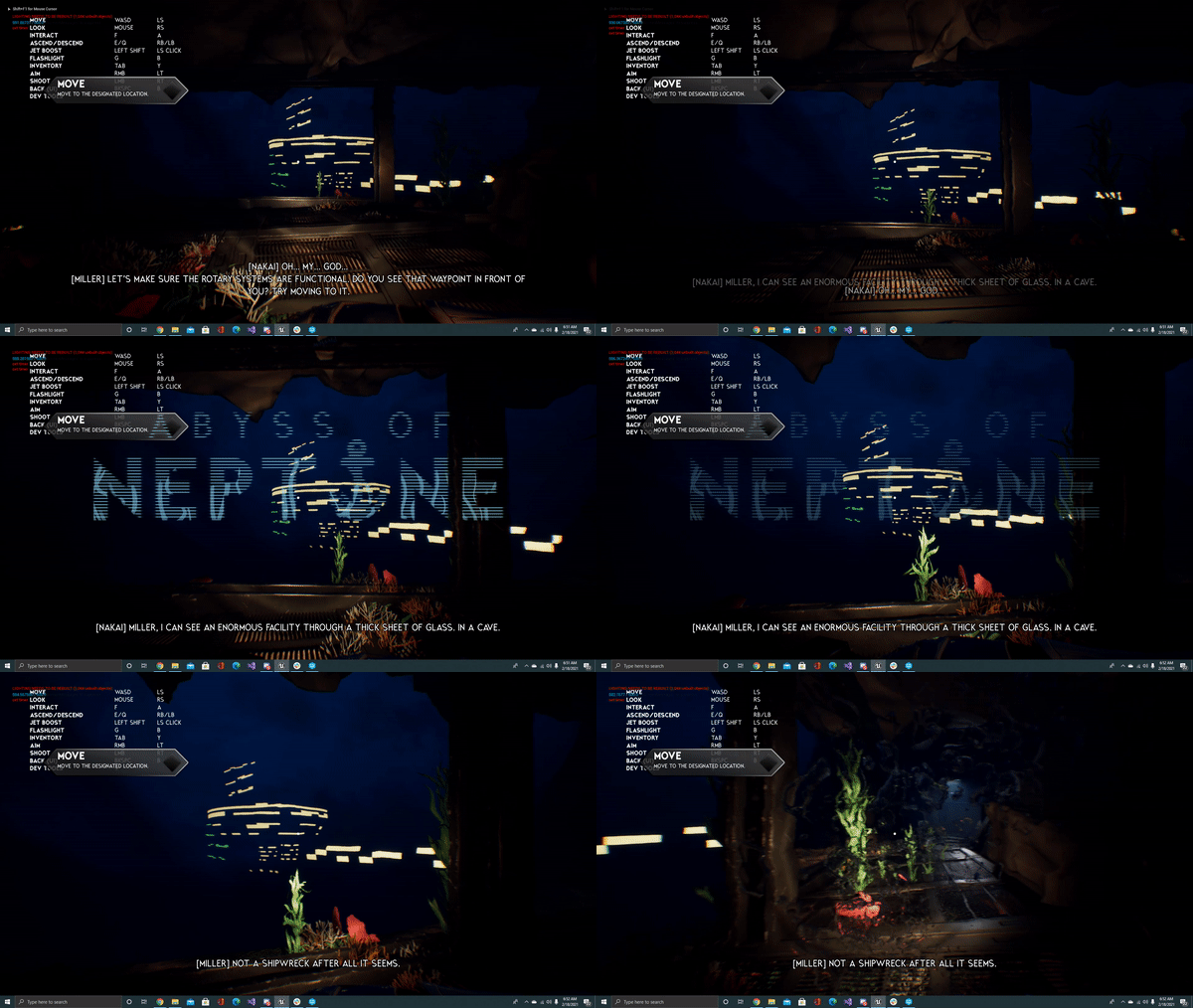
Welcome to Abyss of Neptune (Editor Preview)
Week 6
This week, we successfully added most of the levels in the engine, We also restructured one of the important
systems of the game to make it more intuitive. I am in charge of supporting new assets for this system. I had multiple iterations on design and we tackled some important questions together. After that, I was able to complete the week with a white box of the final design that we decided on. I also helped in rectifying various bugs during the week.
I am happy with the progress and continue to enjoy brainstorming new Ideas and fixing bugs with team members.

Screenshot of current Design and various components(Inside Maya).
Week 7
For this week, I completed the battery model and texturing and added more details for the control panel model and I target to complete it by next week. I also worked on some more designs with the team for the week. We are pushing a big update this time with a new level and we are working toward the final level that we expect to push it toward the 3rd week of March. Next week we will also start working on the texture for every level.

A closeup of the battery
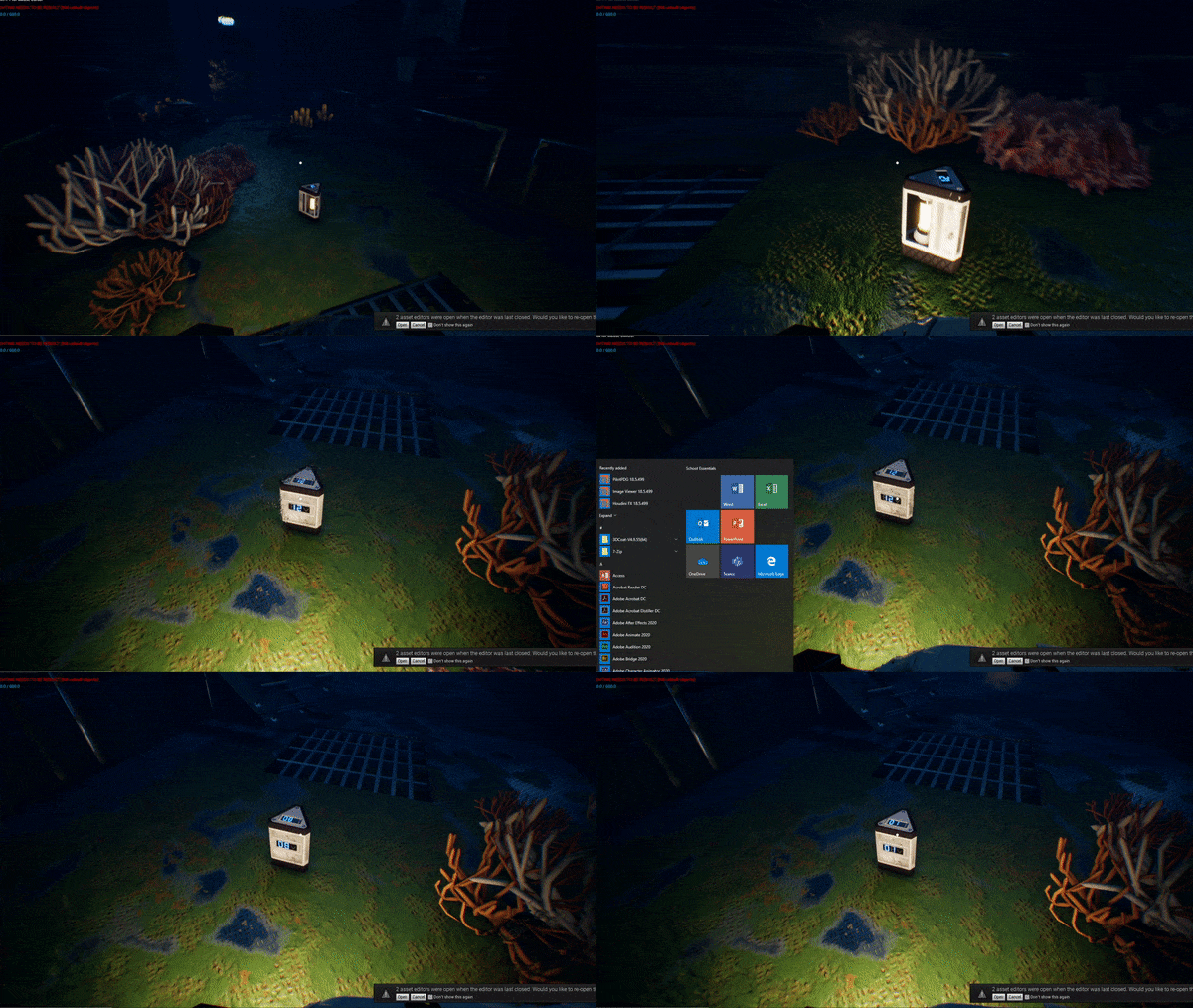
Ingame look for Battery and voltage system. (This might remind you of previous work)
Week 9
After a week of honorary break, I am back with more updates. A lot of my WIP models and subsystems are now in the engine and interactable in this week's build. I completed certain other tasks this week including some texture creation and new models. I started working in some VFX and Destruction and should have more updates on this in the coming week.
We have achieved quite a lot in the last sprint and introducing a feature-complete level this week for the playtest.


Some In engine assets for the new build
Week 10
Destruction is what I did for the mechanics this week. I made VFX and destruction simulation separately using UE4 cascade and Houdini respectively. It could look very cool when combined with audio once it is integrated into the game. Some other smaller task was working on textures. We are in polish month and will be dedicating 1 week for each of the levels.
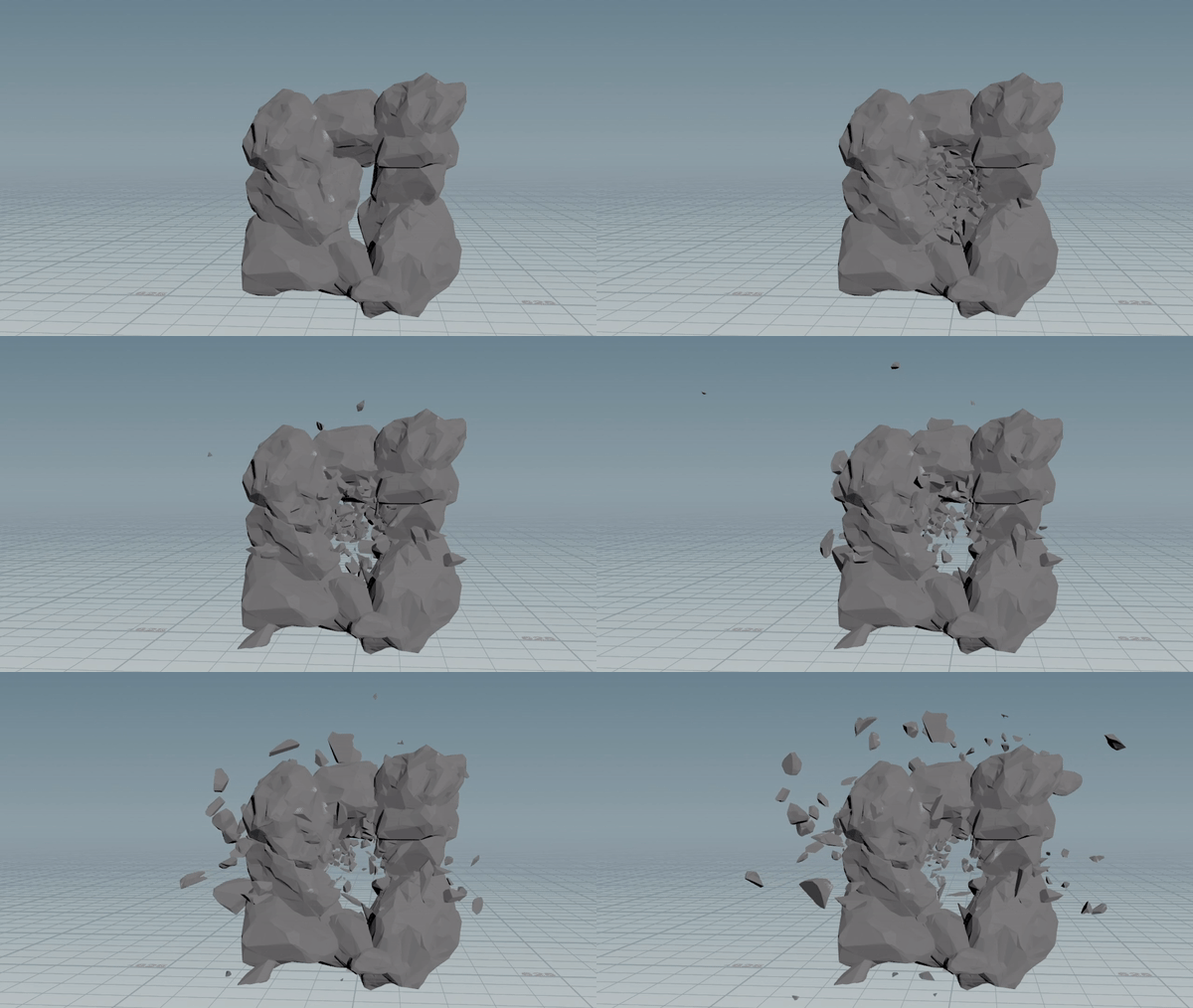
Destruction Simulation in Houdini
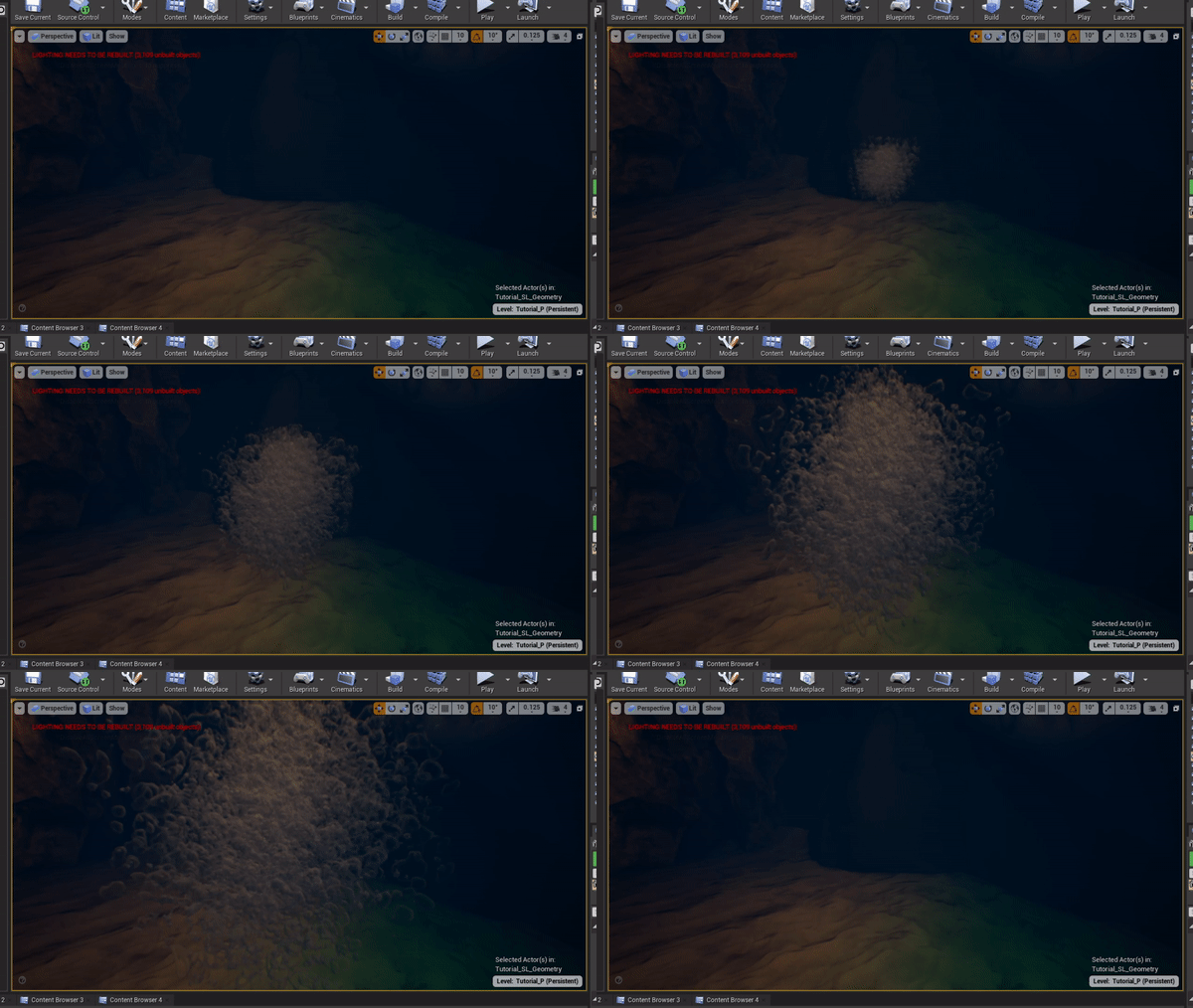
Explosion VFX in UE4
Week 11
As I promised last week I have combined the destruction sim with VFX and made it game-ready in the engine. Besides this, I also worked extensively on the reveal trailer for the game, contents of which I cannot share before the release. But there were lots of scares and good moments.
We have made good progress on the final stages but there is a lot to still cover. But the game feels more complete every passing week.
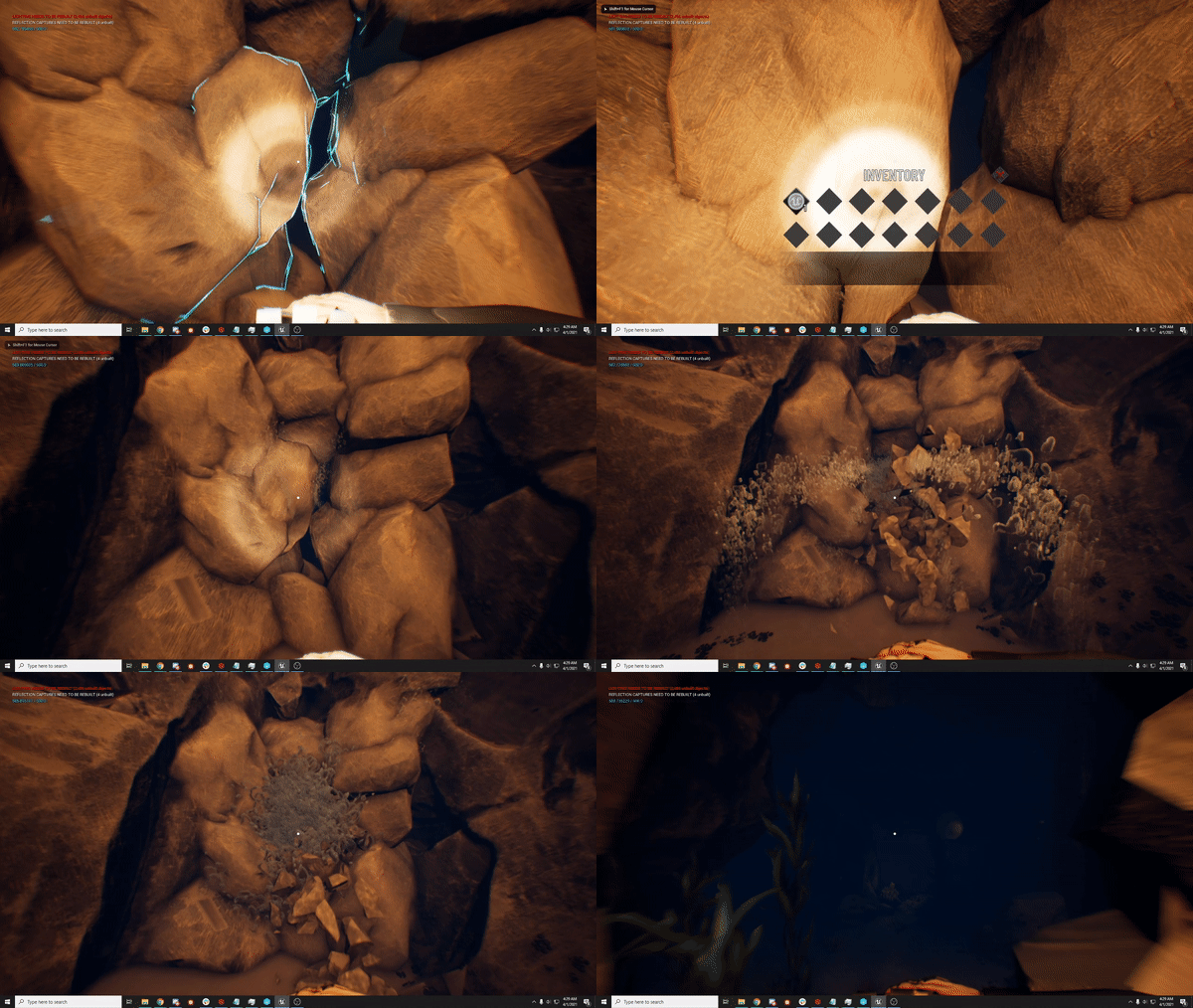
Destructible Cave Entrance
Week 12
The tutorial needed more attention but we were able to compose an awesome video clip. The sound is still worked on by our audio guy. Next, I took some time to prototype some cool puzzles interaction. After a discussion with the team, we decided to implement stairs reveal in Academics Level that gives players access to the next level. I need to figure out how to work with foliage that moves with the floor so it has a more natural look. I then worked on more prop work and texturing.
The game still has some milestones to reach. But the team is sticking together and working hard to make it the best game we can.
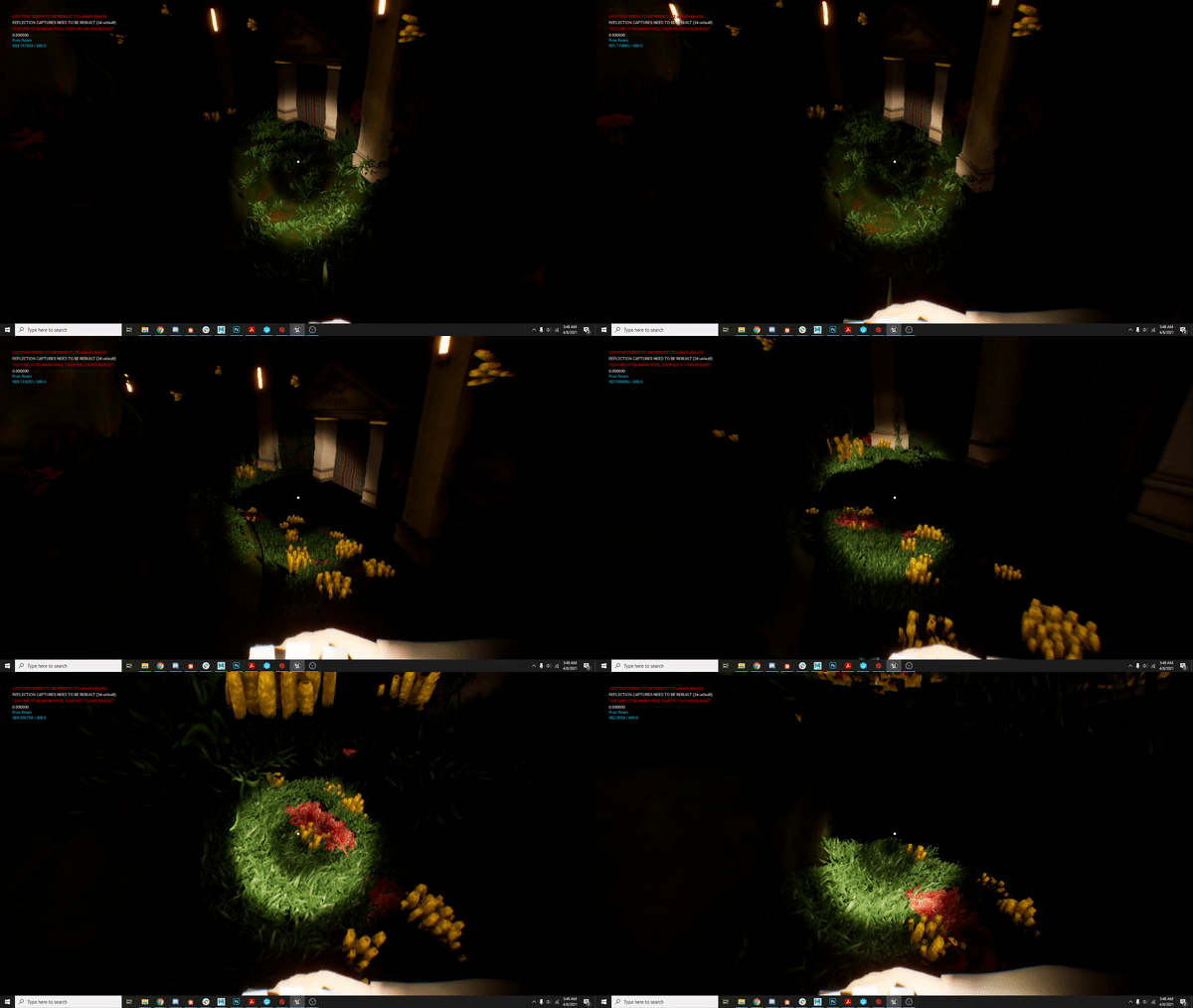
A working prototype of Stair reveal
Week 13
Another week another destruction. Yes, once we know how to make good destruction I was really interested to add more of it in the game. This was implemented in the climax of game. Apart from this I also helped the team with a lot of other parts like integrating the staircase reveal with new assets and restructuring some gameplay to increase the fun of the game.
The game is nearing the end. The team has a lot of work but we are really working well under pressure and maximizing our output.
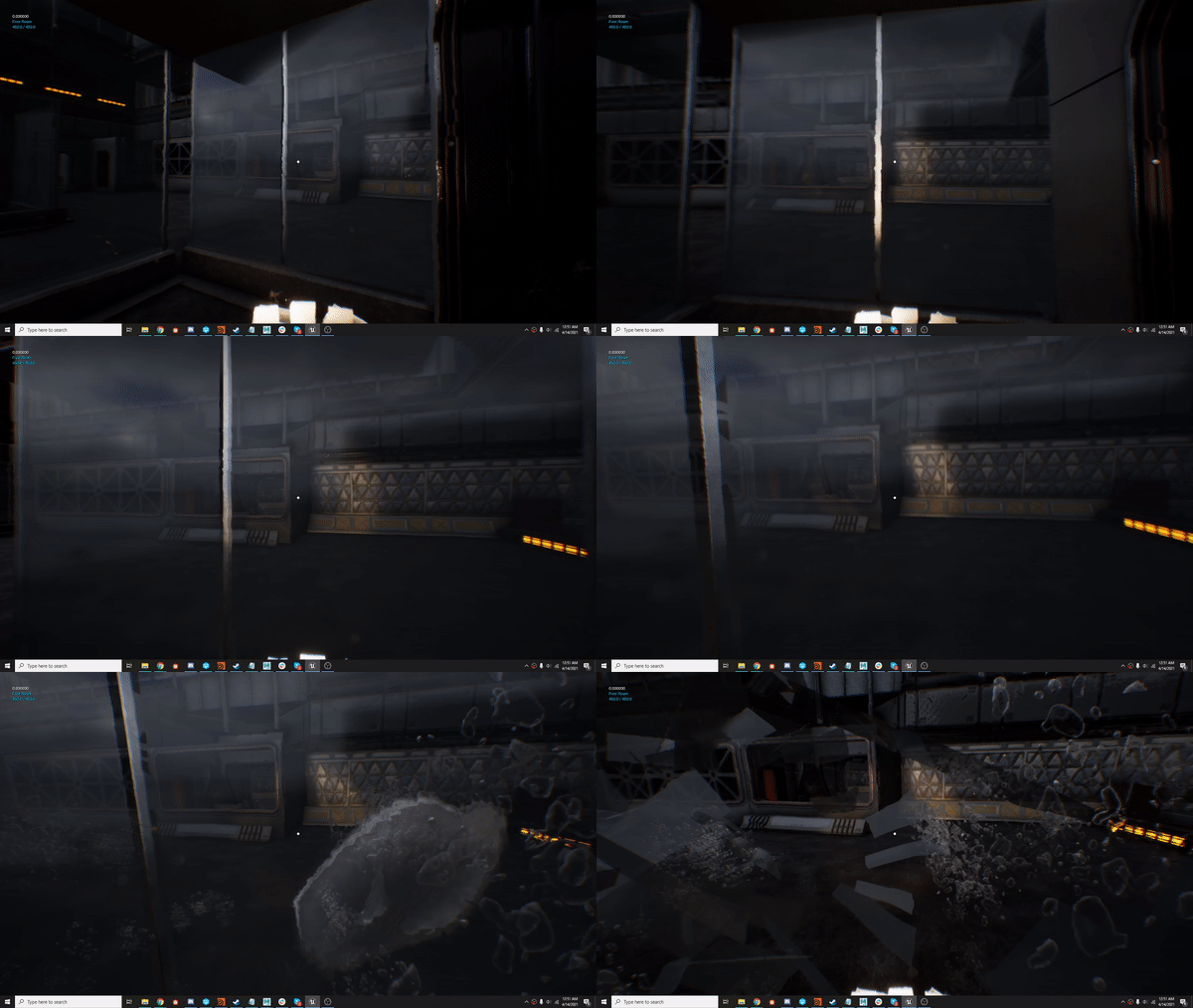
Destructible Glass Walls
Week 14
It was officially the last week of development and the week of release as well. There was a lot of teamwork just making sure we have complete gameplay before submitting it to steam. So finally, I am extremely happy to announce that we a release date of April 26 2021 on steam so please find the game at
I hope you enjoy the game.